Human Machine Interaction
Hestia Technology Limited
2023
At Hestia Technology Limited, my work as the lead designer involved solving, and improving the human-machine interaction between kitchen crews and Hestia's autonomous kitchen robots. This involved understanding not just interface interactions, but also how kitchen crew physically operated with these machines and moved around the kitchen.
The design was created using Figma. Renderings provided are a collaborative effort with mechanical engineers using Solidedge, and rendered using Keyshot 2023.

Understanding The Machine
Disclaimer: Due to a NDA, not all details of the machine can be publicly revealed. All information provided therefore are publicly available and legally complaint. All additional functionalities of the machine can be found in https:///hestia.kitchen/tutorials
The Dispenser 4 is an autonomous sauce dispenser that contained a set of 18 different sauces on the left compartment, and mechanical arms that automatically ejected plastic bowls into a controlled gripper system that moved under a set of nozzles (where sauces will be dispensed) before placing the bowl onto a conveyor system in the back that sent the bowls towards an autonomous multicooker machine.


Understanding Human-Machine Interactions - Case Study
The product faced 3 main challenges during the machine-interaction process. First, was the limitation to the interface capabilities. Due to the oil and residue heavy environment, a limitation was placed on the interface to prevent features such as scrolling and swiping. This meant that all interactions must be tap-only, and had to fit within the page available. Second, was the age variation of workers and distance from the interface these workers would be from the interface. When interacting with tablets or phones, the distance and visibility could be easily addressed by adjusting the distance of the screen from the user. However, due to the placement of the machines and the interface itself for regulatory compliance, a fixed minimum distance meant that the interface not only had to be clearly legible from afar, but also simple to understand for older users who may not be familiar with digital interfaces. Third, was the limited memory capacity. Due to the nature of the internal electronics, only 4mb was available for use, which limited the number of screens, pop ups, and help pages that were available.
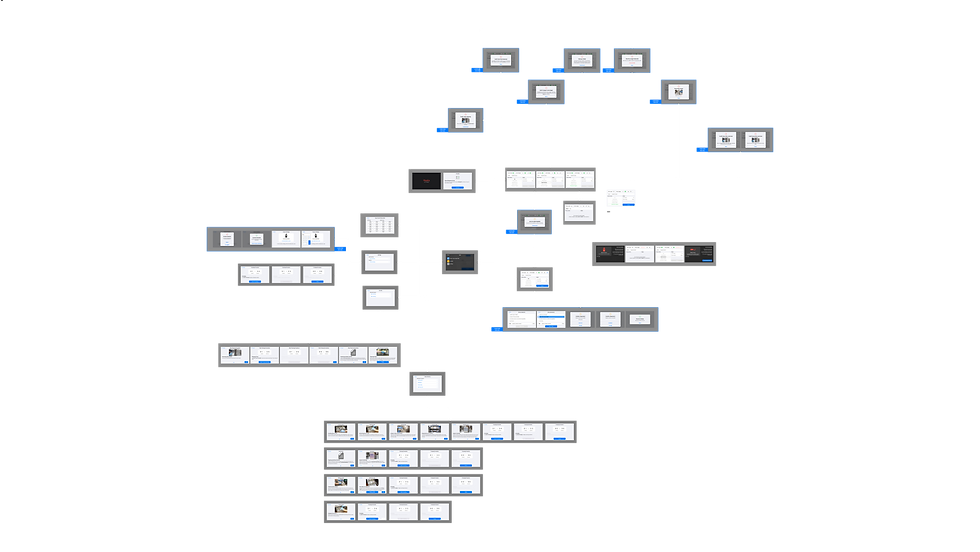
Below is an overview of the full user interface.
Home Page
The home page included all necessary functions for the dispenser, including statuses that showed the sauce selected, delivery status, weight, and buttons to turn on the auto-accept (autonomous) functions and grippers. A menu, and an additional features button are disabled when autonomous functions are available, this simplifies the necessary functions for the kitchen crew.


Activating Menu
To collect sauces without using the autonomous functions, users can disable the Auto Accept button, and enter the Menu. While the rest of the interface is unable to use scrolling or swiping features, a custom built-in script into the software used allowed our team to create a scrollable menu UI. With this feature available, we were able to create an intuitive selection process that users could perform to select and confirm the intended sauce to prepare. While the auto-accept function disables the POS ordering system and conveyor belt from linking with the machine, users could still take advantage of the autonomous motions of the machine to prepare an accurate portion and mixture of sauces needed.


Pop Ups
Due to the complexity of the machine operations, a set of pop ups were created to help provide a basic understanding of next-steps users must perform to continue operating the machine. Working with our technical writing team, we designed these sets of pop ups alongside all technical documentations so that users had a choice of quick pop up instructions, or follow a more detailed document.


Activating Menu
To collect sauces without using the autonomous functions, users can disable the Auto Accept button, and enter the Menu. While the rest of the interface is unable to use scrolling or swiping features, a custom built-in script into the software used allowed our team to create a scrollable menu UI. With this feature available, we were able to create an intuitive selection process that users could perform to select and confirm the intended sauce to prepare. While the auto-accept function disables the POS ordering system and conveyor belt from linking with the machine, users could still take advantage of the autonomous motions of the machine to prepare an accurate portion and mixture of sauces needed.



Tutorials
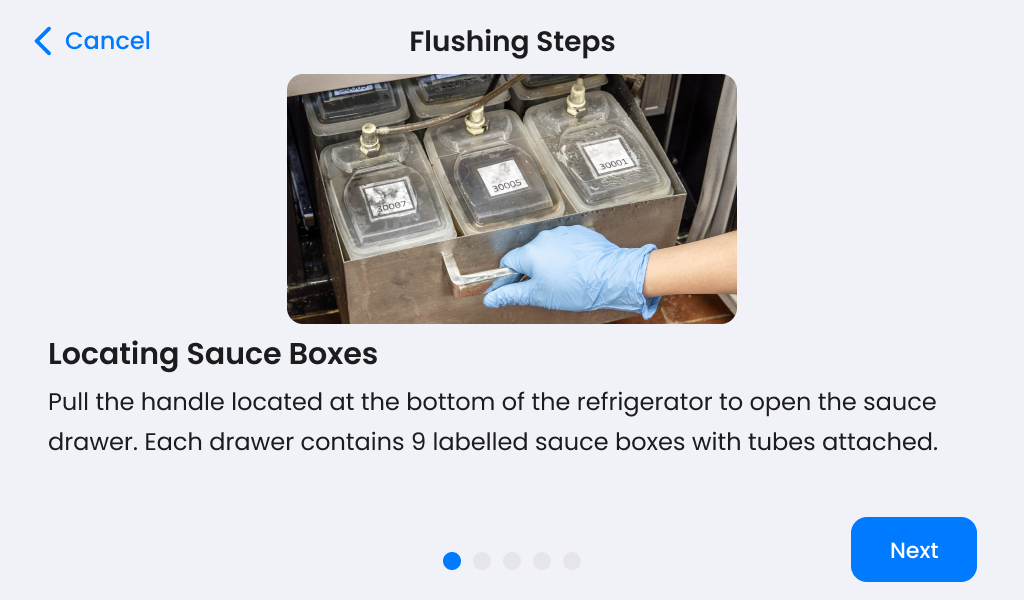
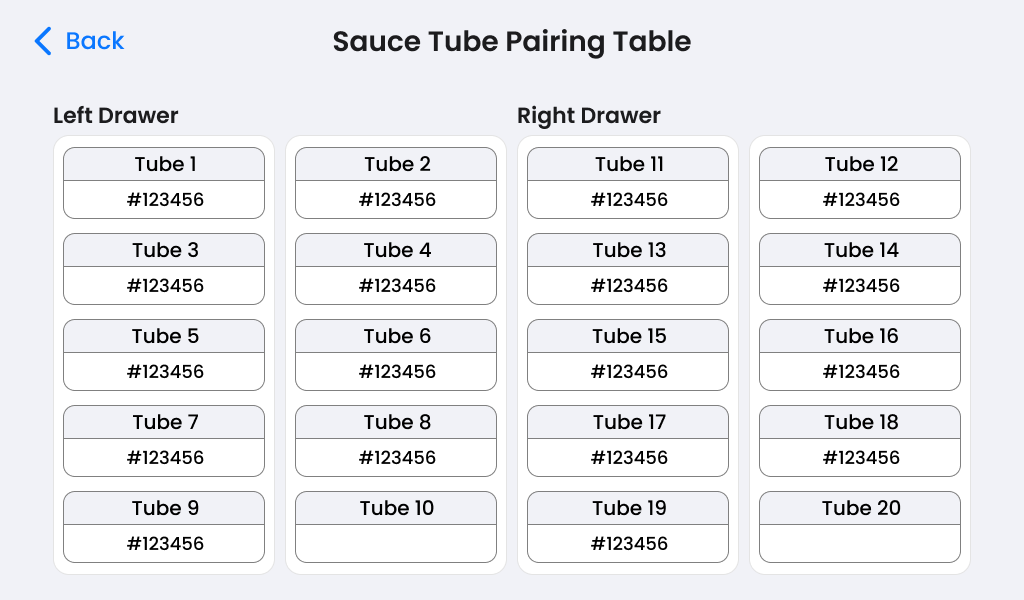
To provide kitchen crew with the necessary cleaning requirements, we decided to add built-in tutorials. The challenge for this step was including photos due to its high memory usage. To solve this, we designed different tutorial screens, and worked with software engineers to test out the memory capacity, ultimately landing on the following design which allowed us to utilize as many bytes of data afforded.